
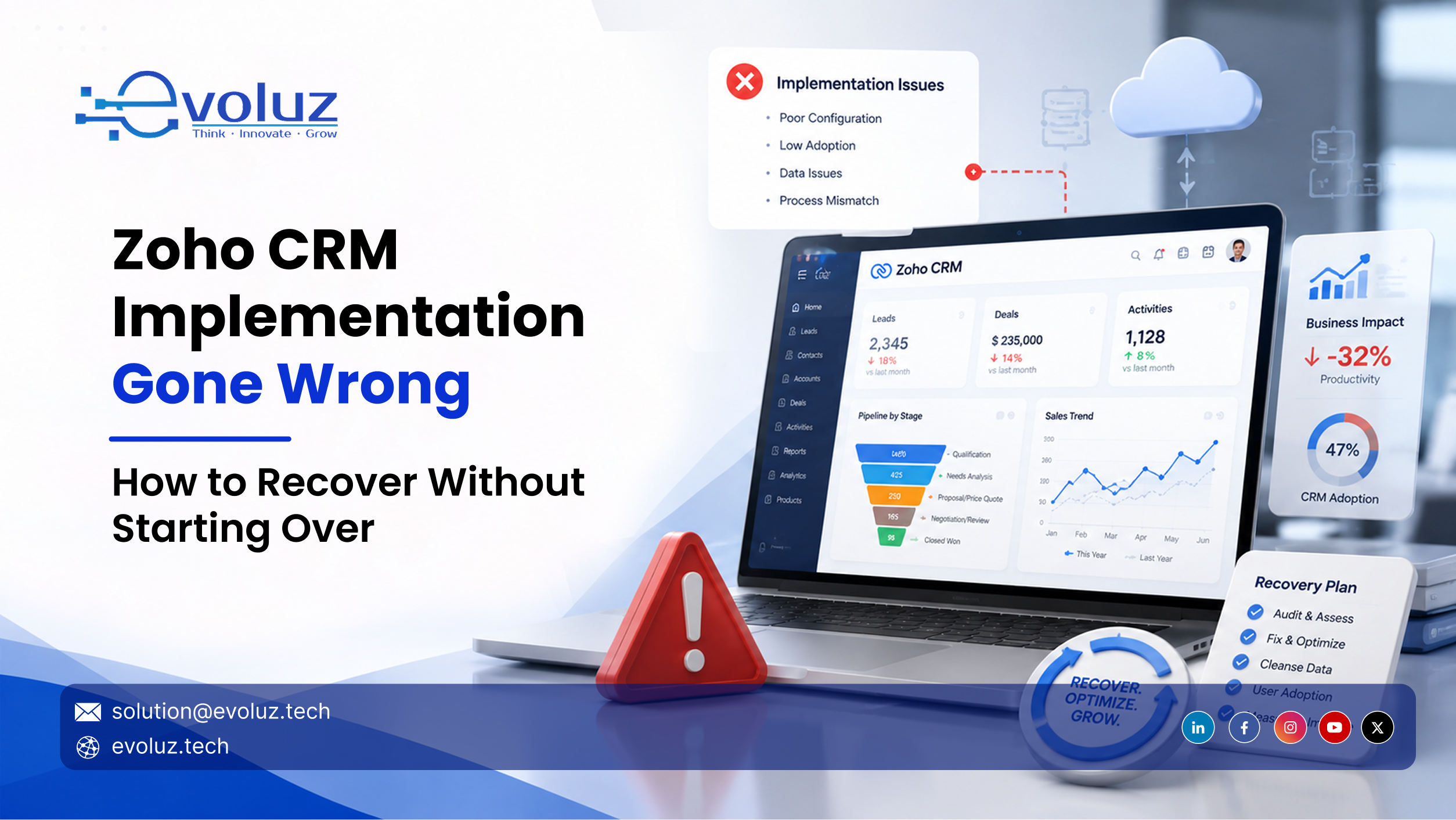
- →A failed Zoho CRM implementation can be recovered without a full restart in most cases. The four recovery paths are patch, restructure, partial rebuild, and full restart, each determined by how far the configuration damage has spread.
- →A full restart is only justified when weekly active usage falls below 40%, data is structurally corrupted across modules, and pipeline stages no longer reflect how deals actually close.
- →Zoho CRM implementation goes wrong for five consistent reasons: sales process undocumented before setup, dirty data migration, automation built before the process was stable, feature-focused training, and no post-launch governance.
- →A Zoho Architecture Audit maps the current configuration against the actual sales process and produces a prioritized recovery roadmap before any rebuilding begins.
- →Recovery costs range from $5,000 for basic setups to $75,000+ for enterprise deployments. Data migration cleanup adds $1,500 to $12,000 depending on data quality.
Gartner puts the CRM failure rate at 50 percent.
In my experience auditing and re-implementing Zoho CRM setups across industries, these failures are rarely random. They follow a pattern, and that pattern is fixable in most cases without starting from scratch.
This article walks you through how to identify what went wrong, what to do in the next 48 hours, and which recovery path fits your situation.
What Usually Goes Wrong: Five Root Causes of a Failed Zoho CRM Implementation
Most Zoho CRM failures trace back to one of five causes. Identifying which one applies determines everything that comes after.
1. The Sales Process Was Never Documented Before Setup
This is the most common issue I see. Teams begin configuring pipelines and realize months later that the stages they built have no relationship to how deals actually close. When the foundation is built on assumptions, every report, automation, and dashboard on top of it inherits those same gaps.
2. Data Was Migrated Without Cleaning
Raw exports from legacy CRMs, spreadsheets, and inboxes carry duplicates, missing fields, and formatting problems. When that data moves into Zoho without cleanup, every report and automation draws from corrupted inputs. In 2026, migration cleanup costs between $1,500 and $12,000 depending on data quality. Businesses that skip this step spend more than that dealing with the consequences over the following 12 months.
3. Automation Was Built Before the Process Was Stable
Zoho CRM's automation layer is extensive. When workflows are configured before the sales process is clearly defined and tested, individual triggers conflict with each other, execute on wrong conditions, and generate data errors. Those errors compound with every new rule added until the automation layer becomes difficult to trace.
4. Training Covered Features Rather Than Workflows
Showing users what a Blueprint does is different from walking them through how to move a deal through the system in their specific role. When users cannot connect the CRM to their actual daily work, they build workarounds. Those workarounds become permanent habits faster than most teams expect.
5. No Governance Plan After Launch
Data governance requires ongoing attention after go-live. Without validation rules, field ownership, and duplicate prevention maintained after launch, data quality degrades within months. Many implementations I audit at the 18-month mark were set up correctly at launch. They simply had no plan for maintaining what was built.

How to Diagnose a Failed Zoho CRM: Five Questions That Map to Recovery Paths

Work through these questions before choosing a recovery path. Each one links directly to a specific approach. Skipping this step means recovery work often addresses the wrong layer.
Was the sales process documented before Zoho CRM was configured?
If no, the architecture reflects assumptions. Patching individual issues will keep breaking. The correct path is restructuring or a partial rebuild depending on how far the misalignment has spread.
Do this now: Pull your current pipeline stages and map them against how deals actually closed in the last quarter. The gap between those two lists defines the scope of the architectural problem.
Are active users creating workarounds outside Zoho CRM?
Parallel spreadsheets, WhatsApp-tracked deals, email threads used to manage leads. Each one signals that the system design does not match how the team sells. Retraining users on a system with a design problem produces short-term improvement and long-term regression.
Do this now: Ask three sales reps to walk you through their last five closed deals. Log every step that happened outside Zoho. That list is your workflow design gap.
Do Zoho dashboards show numbers your sales managers trust?
When managers manually recalculate what Zoho already reports, the problem sits in the data structure: mismatched fields, broken module relationships, incorrect rollup logic. Adjusting the dashboard display will not resolve this.
Do this now: Pick one report known to be wrong. Trace a single record through it and find where the data breaks. That trace tells you whether the issue is in field mapping, module relationships, or migration.
Was historical data cleaned and validated before migration?
Unvalidated imports create errors embedded in every record. These cannot be resolved at the configuration level.
Do this now: Run a duplicate check in Zoho CRM. If duplicate rates exceed 10 percent, the data layer must be addressed before any other recovery work produces lasting results.
Is weekly active usage below 40 percent?
Below this threshold, the system has a structural fit problem. The system does not match how the team works, and training alone will not change that.
Do this now: Export login activity for the last 30 days. If fewer than four in ten active users logged in at least once per week, map the friction points before planning any adoption intervention.
The Four Zoho CRM Recovery Paths
Path 1: Patch
When it applies: Isolated issues within a sound core architecture. Specific automations are misfiring. A module has data quality problems. Individual reports are pulling from wrong fields. The overall pipeline structure is correct.
What to do first: List every known issue and group by module. If the problems are contained to two or three areas and pipeline logic is sound, start with the highest-visibility issue and work down. A patch is appropriate when failures are contained.
Path 2: Restructure
When it applies: Usable data, misaligned configuration logic. Records are intact and the team is engaging with the system, but pipeline stages, module relationships, or automation workflows do not match the actual sales process.
What to do first: Document the sales process as it operates today. Map every current Zoho stage against that document. The gaps between the two define the restructuring scope and prevent rebuilding the same misalignment.
Path 3: Partial Rebuild
When it applies: One section is broken beyond patching, the rest is working. A data migration failed. One automation chain is generating bad data downstream. A specific team's module setup is broken at the foundation. A partial rebuild addresses those components while preserving what works.
What to do first: Confirm the broken section has not contaminated healthy parts of the system. A partial rebuild works when the failure is contained. If contamination has spread across modules, a full restart is faster.
Path 4: Full Restart
When it applies: Wrong architecture, corrupted data, adoption has effectively stopped. Weekly active usage is below 40 percent. Pipeline stages bear no relationship to how deals close. Data is structurally corrupted across modules.
What to do first: Before rebuilding, document every decision made in the original implementation and why it failed. A restart built on the same assumptions produces the same outcome. The failure analysis from this build is the most valuable input for the next one.

Unsure which recovery path applies to your Zoho CRM?
Book a Zoho Recovery AuditWhen to Repair vs. When to Restart

Repair the existing system when:
- Data is accurate and records are usable
- Active users are still logging activity, even if inconsistently
- The failure traces to one or two specific areas
- The system has been live for fewer than 12 months
Restart when:
- Data is structurally corrupted: duplicates, missing fields, broken module relationships
- Weekly active usage is below 40 percent
- Pipeline stages bear no relationship to how deals close in practice
- Automation is executing in ways no one on the team can trace
Every week inside a broken Zoho CRM means forecasts built on data you cannot trust and deals falling through gaps no one can see. Delay has a compounding cost.
How a Zoho Architecture Audit Accelerates Recovery
A Zoho implementation audit maps your existing configuration against your actual sales process. It identifies what to keep, what to rebuild, and in what order, so recovery work does not create new problems while resolving existing ones.
Pipeline and Module Structure Review
Are your deal stages, field logic, and module relationships aligned with how revenue actually moves through the business, or were they configured on assumptions about how the process should work?
Automation Conflict Audit
Which automations are functioning correctly, which are broken, and which are creating downstream data errors that have not been traced yet?
Data Integrity Assessment
Duplicate records, missing field values, broken module relationships. The audit delivers a clear recommendation on what to retain and what requires rebuilding from clean inputs.
Adoption Gap Mapping
Where are teams working around Zoho CRM and what specific friction is driving those workarounds? This surfaces structural problems a configuration review alone cannot identify.

The output is a prioritized recovery roadmap: specific, sequenced, and built around the actual business.
A Zoho CRM implementation failure points to a gap between the system that was built and what the business needed. In most cases, that gap closes without a full restart. The Zoho implementation audit is where that process begins.
Your Zoho CRM Can Be Fixed. Start With a Structured Audit.
Request a Zoho Architecture Audit